Use the Android app free for one shop. Upgrade to Business to bill from your computer too, for ₹149 a month or ₹1,499 a year.
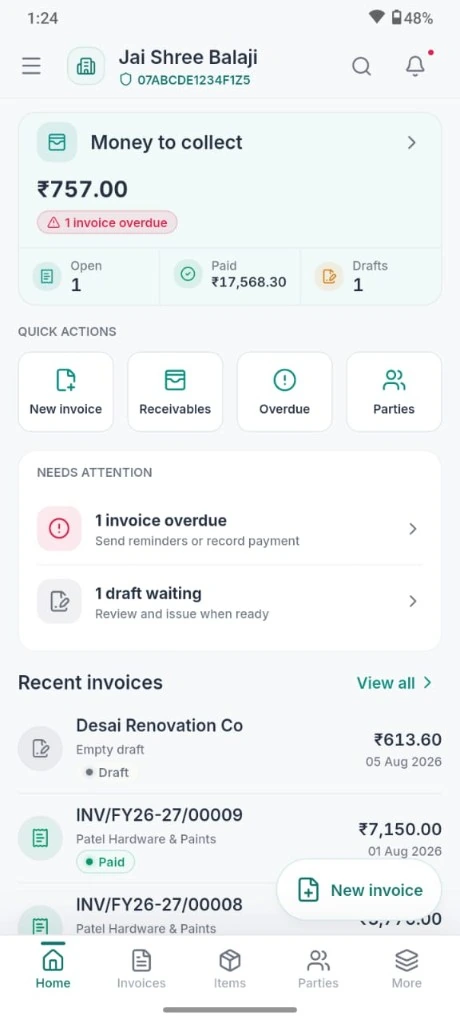
Home · money to collect
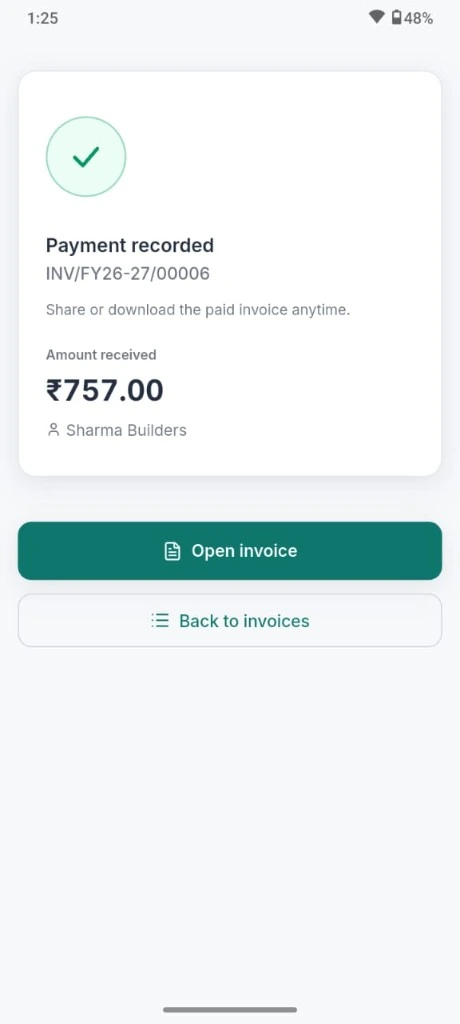
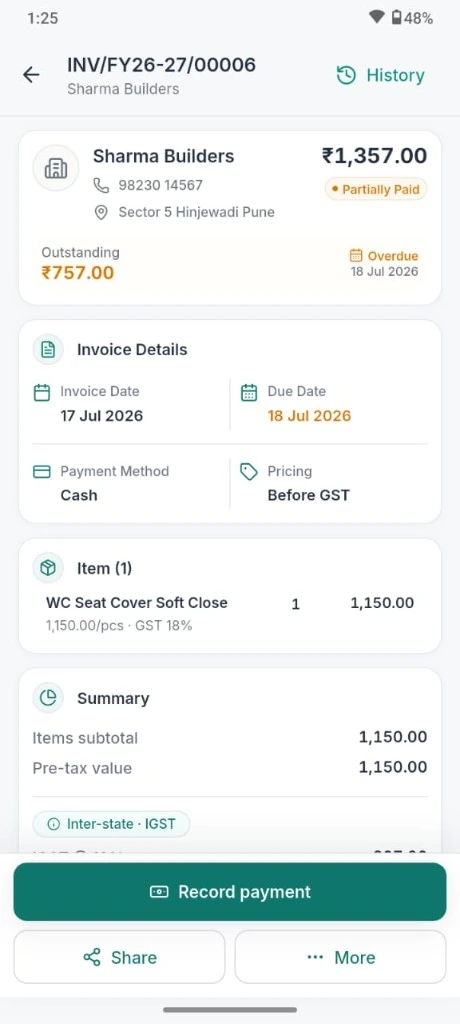
Invoice · record payment
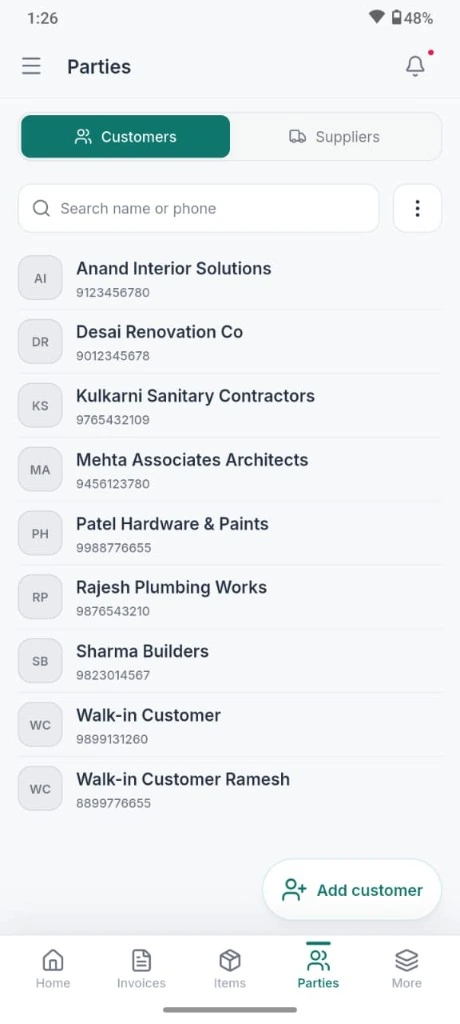
Customers and suppliers
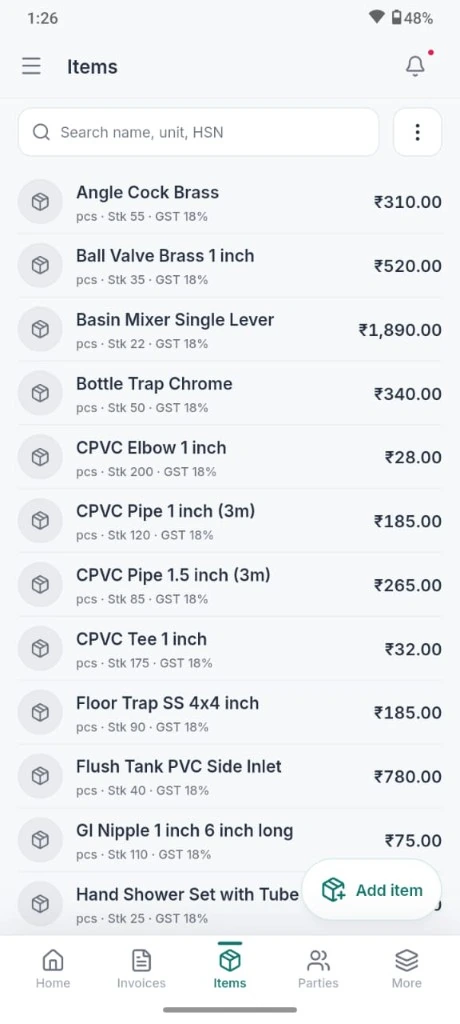
Items · catalog
Payment recorded
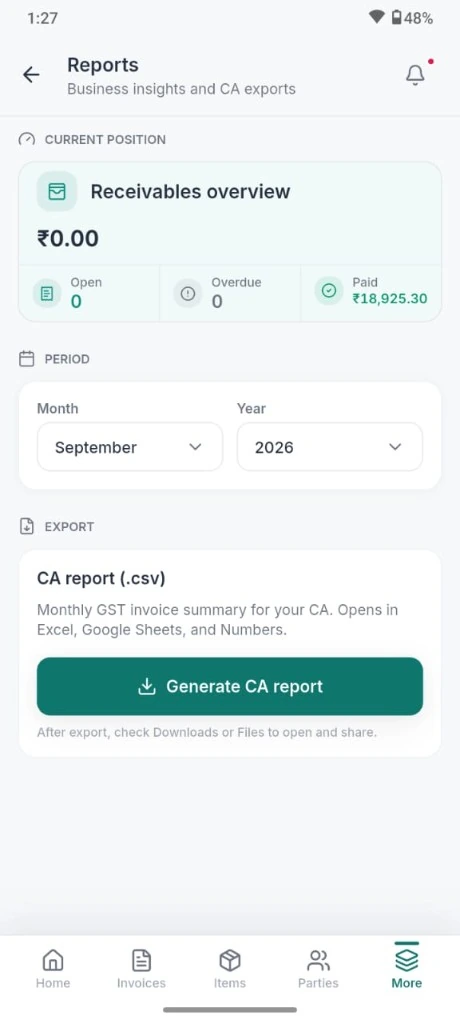
Reports · CA export
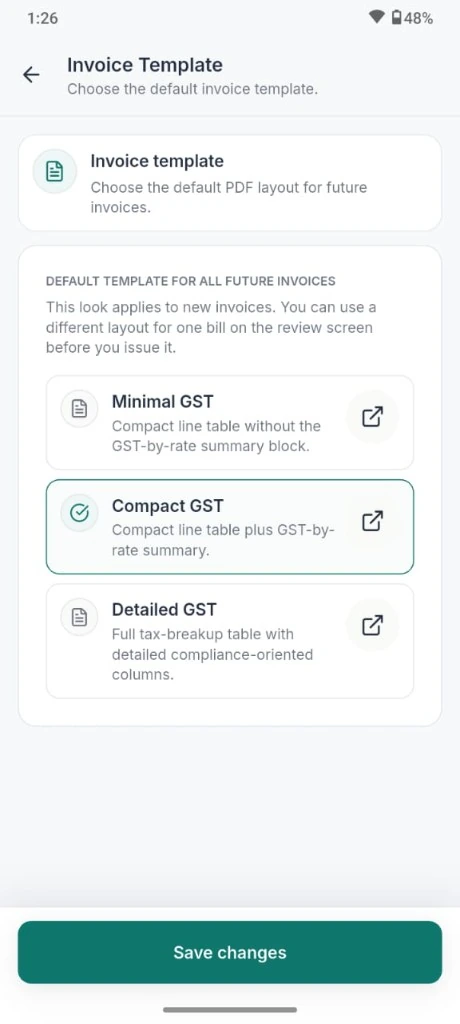
Invoice templates
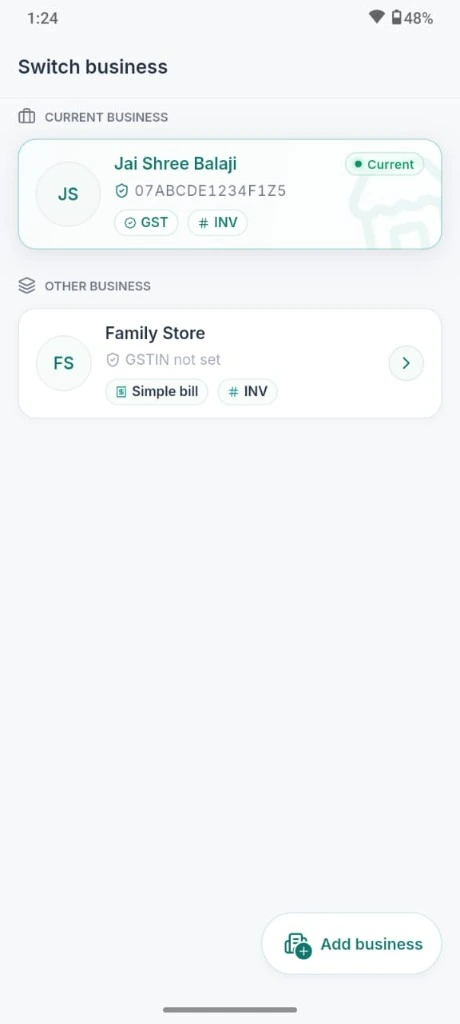
Switch business
The shop
Send invoices, track payments, and stay ready for month end.
01Free on Android
Issue GST invoices that look professional
Create a GST tax invoice or simple bill. Add items, apply a discount, preview the PDF, then issue and share it. EasyHisab calculates CGST, SGST, or IGST for you.
Logo, bank details, and invoice defaults per business
Issued invoices can’t be edited. Use a credit note to make a correction.
Create purchase orders on your phone. Desktop invoicing is included in the Business plan.
02Free on the phone · aging on the paid plan
Know who owes you
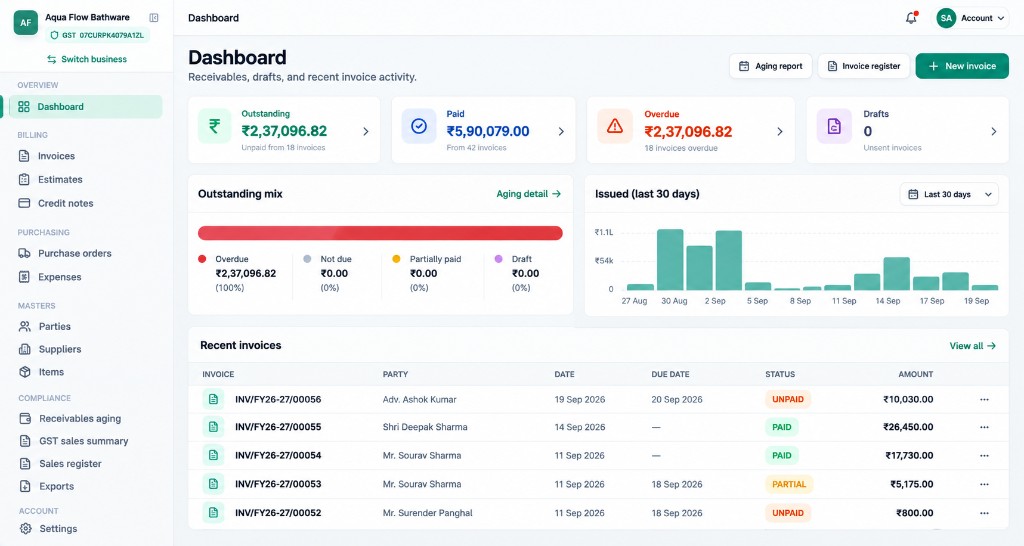
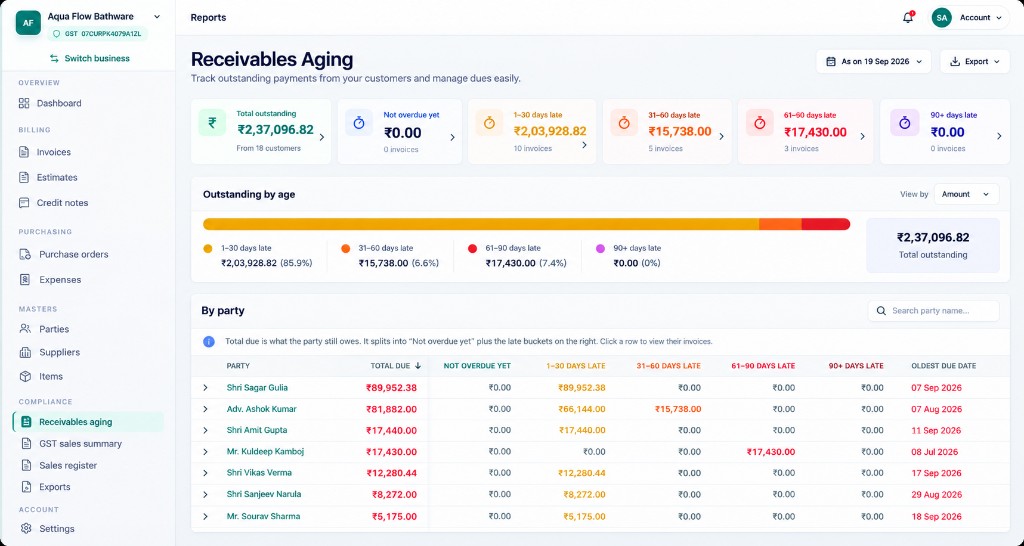
See unpaid and overdue invoices, along with drafts, on your home screen. Record payments as they arrive. Business adds an aging report and customer statements on your computer.
See paid, overdue, and draft invoice counts at a glance
Check payment history for each invoice
View aging reports and customer statements on your computer
03Free on Android
Close the month for your CA
Send your accountant one monthly file with sales, GST collected, and credit notes. No need to rebuild the spreadsheet each month.
Sales, GST, and credit notes in one export
Customers and items stay ready for the next invoice
Same Google account on the phone and on your computer
The PDF
Invoices and statements, ready to share
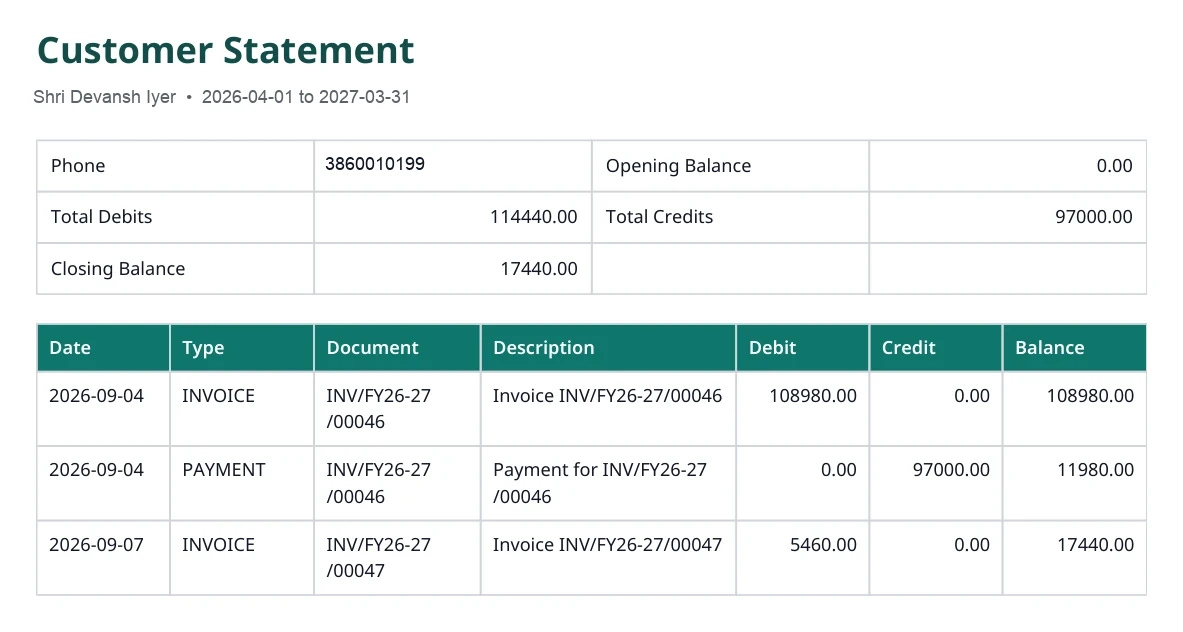
Share a GST invoice right from your phone. With the Business plan, you can also send customer statements from your computer, with opening balances, invoices, and payments.
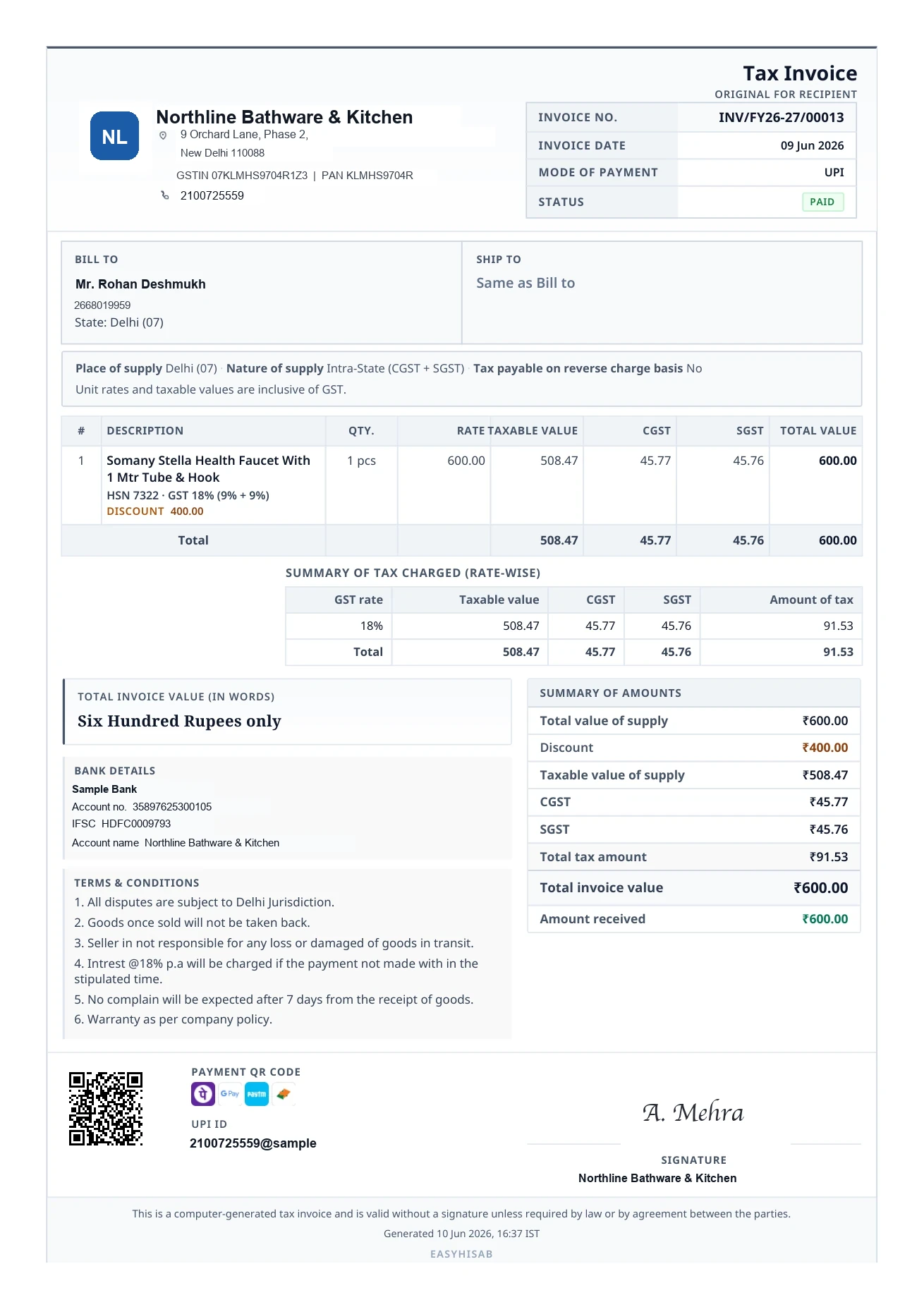
GST details includedEach line shows the tax rate, taxable value, and CGST, SGST, or IGST.
Show payment statusInclude the amount received, payment status, and a UPI QR code.
Customer statementsShow debits, credits, and the customer’s closing balance.
PDF
Tax invoiceINV/FY26-27/00013 · ₹600 · Paid
Detailed GST
Full tax lines, HSN, and party GSTIN.
Compact GST
More lines on one page, tax still shown.
Minimal GST
Cleaner page when the bill should look simple.
Simple bill
Non-GST shops, until you register.
Billing
Invoices that stay as they were issued.
EasyHisab calculates invoice totals and tax for you. Once issued, an invoice can’t be edited; use a credit note to make a correction.
GST tax invoices
Apply CGST and SGST, or IGST, based on the place of supply. Choose tax-inclusive or tax-exclusive prices.
Draft, preview the PDF, then issue
More than one GST invoice template
Invoice numbers follow the financial year
Simple bills
Not registered for GST yet? Create simple bills now and switch to GST invoices when you register.
Register for GST when you are ready
Older simple bills stay unchanged
New invoices follow GST after you register
Payments
See which invoices are paid, overdue, or still outstanding. Record part payments or mark an invoice as paid.
Home shows what is still to collect
Customer outstanding on the party list
Collect an advance when you issue
After you issue
Make corrections and keep a clear record.
Credit notes
Create a full or partial credit note. The original invoice stays unchanged, and the credit note shows the adjusted tax and total.
PDF sharing
Preview an invoice or credit note, then share the PDF by WhatsApp or email.
Activity
See a timeline of each invoice’s issue, payments, cancellations, and credit notes.
Saved for the next bill
Save customer, item, and business details.
Customers
Save a customer’s name, phone, GSTIN, and address, or create a bill for a walk-in customer.
Items
Save products and services with their price, GST rate, HSN or SAC code, and optional stock count.
Business profile
Add your GSTIN, logo, bank details, invoice prefix, and preferred template once. They’ll appear on your PDFs.
Month end
Monthly reports for your CA, plus useful alerts.
CA monthly export
Export monthly invoice and credit note details to share with your accountant.
Summary
Check sales, GST collected, and outstanding payments on your phone. Business gives you the same summary on your computer.
Alerts
Get notified when an invoice is issued, paid, overdue, or updated with a credit note.
Account
Manage up to two shops with one Google account.
Two businesses
The free plan includes one shop on Android. Upgrade to add a second shop and bill from your computer.
Switch business from the app menu
Invoices and customers stay inside that business
Free stays at one business
Google sign-in
Sign in with Google, with optional biometric unlock on supported Android phones.
Your records are stored online, not just on your phone
Each business stays separate
Privacy controls are in settings
Web desk · paid plan
Pick up where you left off on your computer.
The Business plan gives you access to app.easyhisab.in, with aging reports, customer statements, expenses, estimates, and desktop invoicing.
What is still to collectAging, by customer
Shop plans
Start free on Android. Upgrade when you need more.
Bill from your phone for free, then upgrade to manage the same shop from your computer.