
FSE · Sea export
Nhava Sheva to Jebel Ali
INV/FSE/FY26-27/00019 · MV Sample Star · Sample Line
- HBL
- HBL-44190
- MBL
- MBL-22018
- Port of loading
- Nhava Sheva
- Port of discharge
- Jebel Ali
- Container
- MSKU1234567
- Cargo
- 120 pkgs · 18,400 kg
For freight forwarders
Keep each sea or air shipment, customer invoice and vendor cost together. EasyHisab helps you see what you’ve billed, what you still owe, and what you’ve earned. Try it free for 15 days.
No card required. Sign in with Google to get started.
Already have bill numbers? How to migrate.
 Air
Delhi → Dubai
Air
Delhi → Dubai
 Sea
MV Sample Star
Sea
MV Sample Star
 Port
Nhava Sheva → Jebel Ali
Port
Nhava Sheva → Jebel Ali
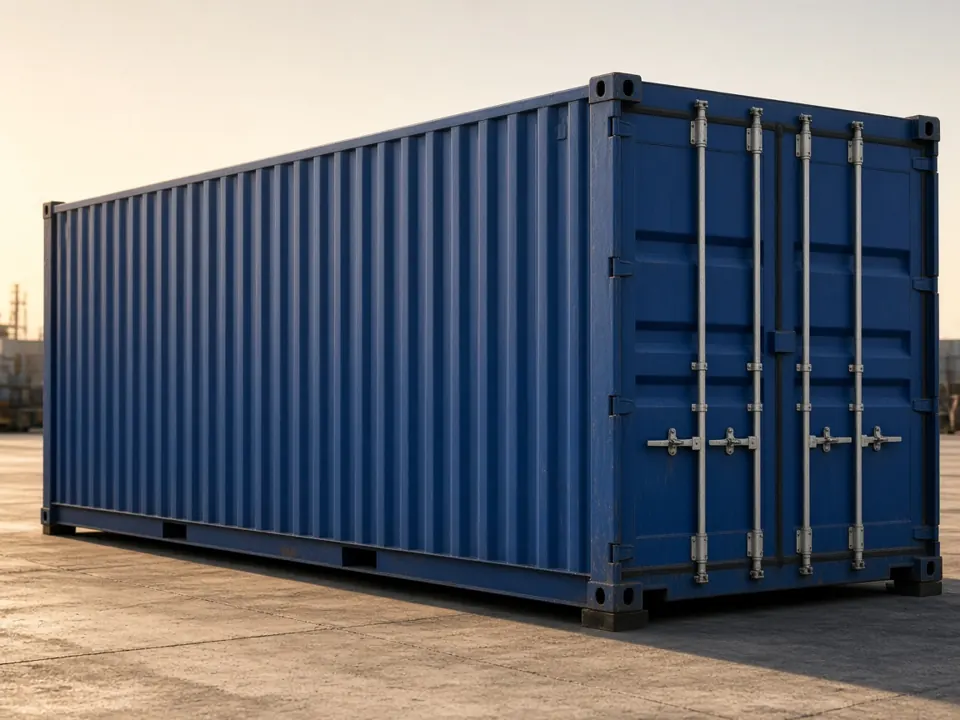 Container
MSKU1234567
Container
MSKU1234567
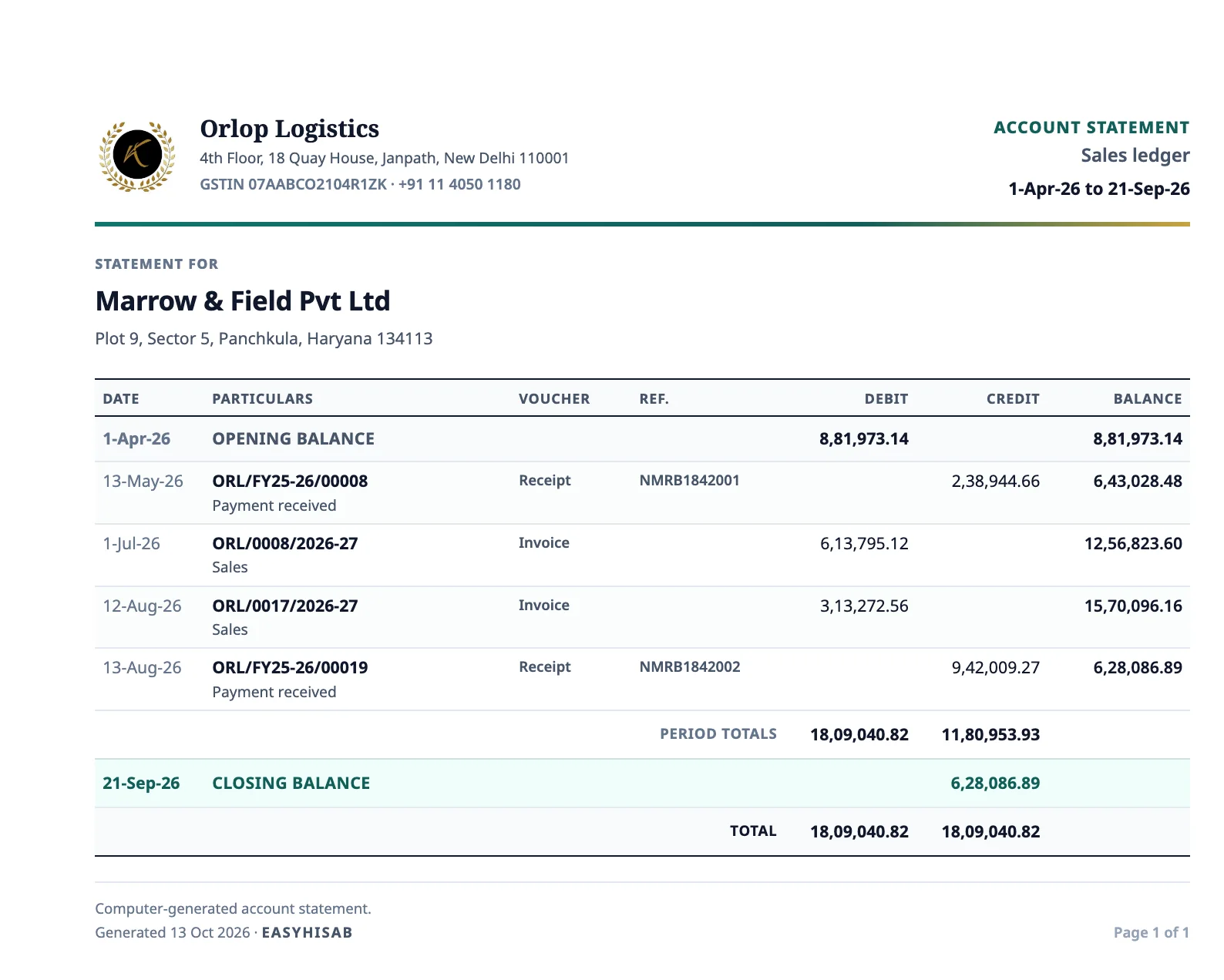
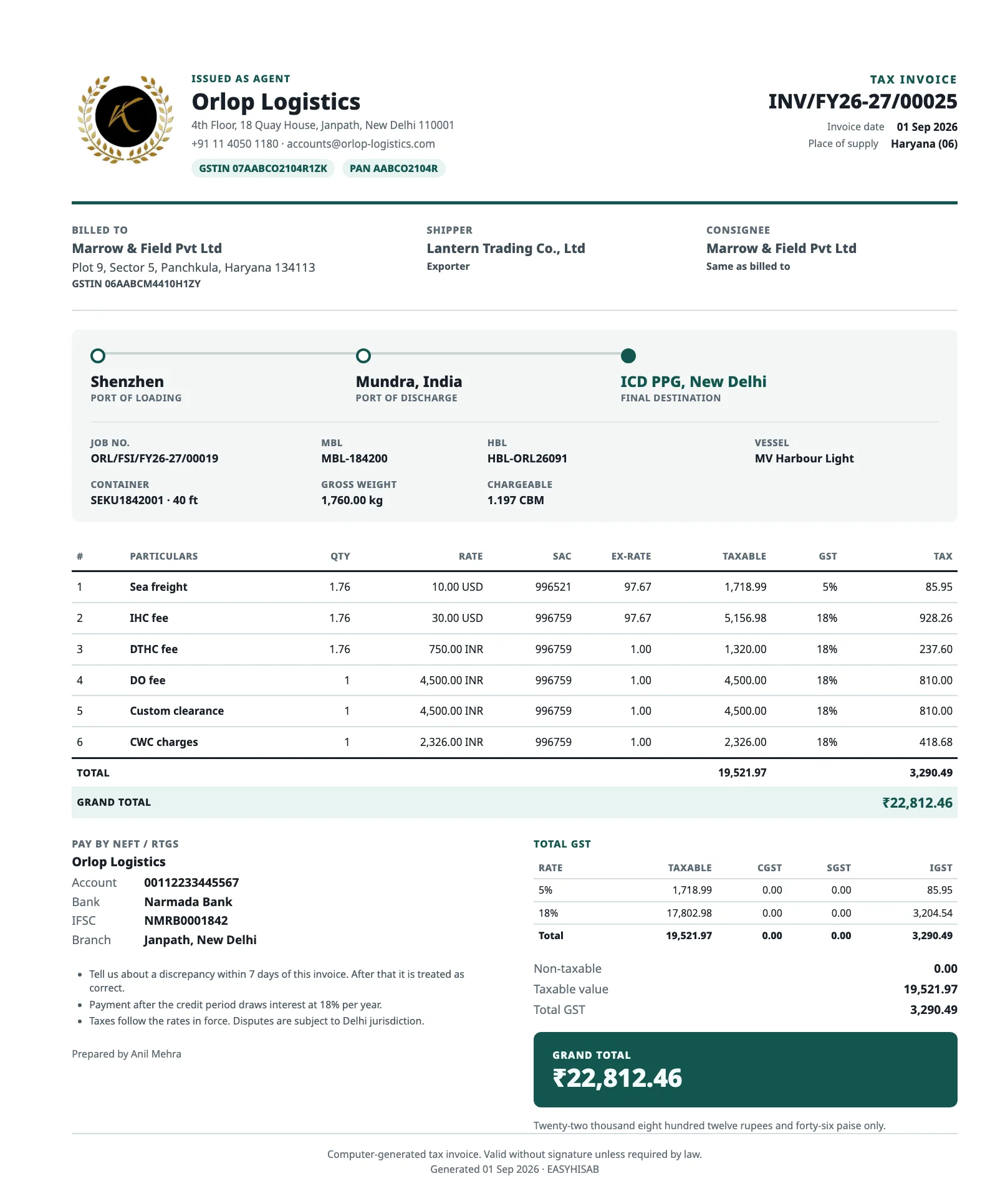
Whether a shipment travels by sea or air, keep its house and master bills with the job.
FSE · Sea export
INV/FSE/FY26-27/00019 · MV Sample Star · Sample Line
FAE · Air export
INV/FAE/FY26-27/00007 · AI 983 · Sample Air
Sea import, sea export, air import, and air export are included. An air job asks for the MAWB and the HAWB.
Enter the shipment once. Keep the customer invoice, shipping line and vendor costs, and job profit together.
Enter the shipment
Sample Exports ships it. Sample Trading LLC is billed. Sample Line carries it.
Credit note −₹3,000. The issued bill stays locked.
No GST on this sheet. Debit note +₹2,000.
Invite staff by email. They can view jobs and bills until you give them more access.
Send an invite to their email. They sign in with Google to join your business.
New team members can view jobs and bills. Choose their access before they make changes.
A Clerk can prepare jobs and draft bills. An Approver can review them. Full desk access also allows issuing bills, recording payments, and closing jobs. You can also choose permissions one by one.
Without review, you can issue a draft and give it a bill number right away. Turn review on when you want a team member to check it first.
You open the sea or air job once. The bill lives on that job.
The sales ledger tracks customer invoices, payments, and credit notes. The purchase ledger tracks vendor cost sheets, payments, and debit notes.
Sales ledger
| Invoice | ₹48,000 |
|---|---|
| Payment | − ₹40,000 |
| Credit note | − ₹3,000 |
Still unpaid₹5,000
Purchase ledger
| Cost sheet | ₹31,000 |
|---|---|
| Payment | − ₹25,000 |
| Debit note | − ₹2,000 |
Still to pay₹4,000
Outstanding balances show what is still to be paid. See each job’s profit separately.
New accounts start at invoice 00001. If you’re already using a numbering sequence, email us the last invoice number from this financial year (April to March), and we’ll continue from there.
Open the trial with your Google account.
Send your last invoice number. Include your last job number too if you want that sequence to continue.
We’ll set the next invoice to follow your existing sequence.
You get 15 days for one freight business. Create a job, issue an invoice and add a vendor cost to see how it works.
Try EasyHisab Freight free for 15 days. Sign in with Google and choose Freight / Logistics.
Manage sea and air shipments, customer invoices and vendor costs in one place, with a clear view of what each job earns.
Sign in with Google at app.easyhisab.in and choose Freight / Logistics. You’ll get 15 days to try it with one freight business.
EasyHisab keeps freight jobs, customer invoices, vendor costs and ledgers together. It doesn’t replace Tally or file GST returns.
Yes. Invite them by email, then choose their role or set their permissions yourself. See how.
Yes. Choose sea or air import or export, or add a category code of your own.
A new account starts at 00001. To continue your current sequence, email us your last invoice number.
For shop billing, see EasyHisab GST Billing.